Mobile workflow for product research
From a Shared Link to a Tracked Product in One Mobile Workflow

Product research often starts in the least organized place: a product page opened while you are away from your desk. You find a promising supplier item, copy its link, and tell yourself you will add it to your watchlist later. Later, the context is gone—or the link is buried in a chat, note, or browser tab.
A better habit is to move the link into your tracking workflow at the moment you find it. On a phone, that can mean sharing the product URL directly to Price Recon, reviewing what the page reveals, adding a short tag, and saving it to the existing product list. The important part is not just fewer taps. It is preserving the decision context while it is still fresh.
Why saving the link immediately matters
A product URL by itself is easy to collect and surprisingly hard to manage. If you are comparing several suppliers or researching products from a phone, links can end up spread across browser tabs, messages, notes, and screenshots. A week later, you may remember that one item looked useful but not why you saved it, which source it came from, or whether you already added the same URL.
The goal is not to record every product you ever see. It is to create a small, reviewable queue of products that may affect a sourcing or listing decision. Capturing a link as soon as it becomes relevant gives you a cleaner starting point:
- the original URL stays attached to the product record;
- the product information can be reviewed before you rely on it;
- a tag can preserve the reason you saved the item;
- the link joins the same list as products you already monitor.
For example, a tag such as backup supplier, spring research, or test ad can be more useful than a folder full of unlabelled links. Keep the tag short and action-oriented: it should help you decide what to do next.
How to save a product URL from your phone
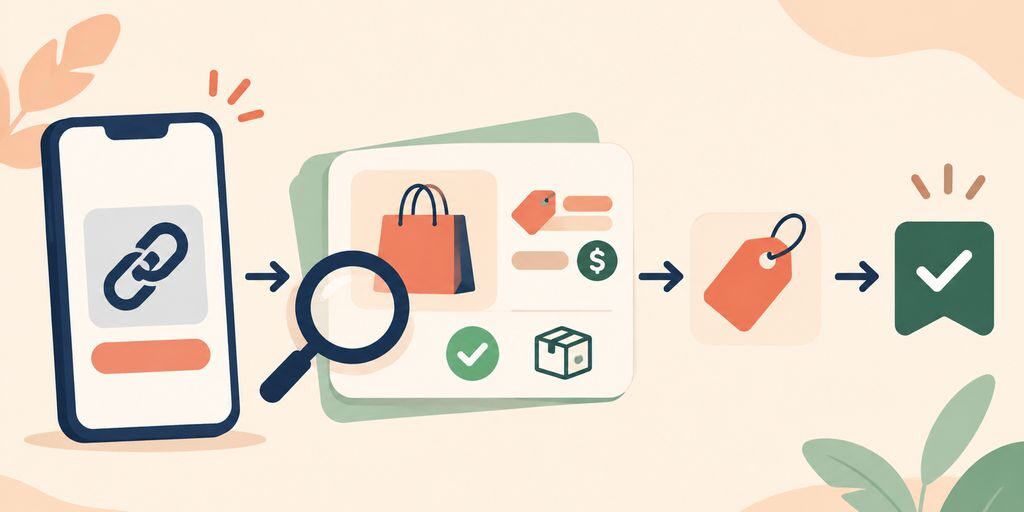
1. Share the product page while you are viewing it
When you find a product page in your mobile browser or another app, open the operating system's share sheet and choose Price Recon. The app accepts a shared URL and opens the product-add flow with that link already supplied. You do not need to retype a long address or switch between a note and the tracking app.
Price Recon can receive a shared link when it is already open and when it is launched from the shared item. After the link arrives, the app starts the same product URL workflow used for a URL entered directly in the app.
2. Wait for the page data to be fetched
The app fetches the URL and tries to build a product record from the information available on the source page. Depending on the source and the fields it exposes, the proposed record may include a product name, URL, image, store icon, price, currency, and availability.
This is an extraction step, not a guarantee that every page has complete product data. Different stores publish different page structures. Price Recon uses separate paths for sources such as Amazon and Shopify-style product pages, and it can use structured Schema.org product data for other pages. The result depends on the URL, the page response, and the data available at that moment.
3. Review the proposed record before saving
When the fetch finishes, do not treat the first result as unquestionable. Read the product name, check the URL, and compare the displayed price, currency, and availability with the source page when the item matters commercially. Check the image as well if several similar products were open in your research.
This short review helps catch common research mistakes: a regional page that shows a different offer, a URL for the wrong product option, an incomplete page response, or a source that did not expose a field clearly. The app is designed to put the fetched information in front of you for review before you save it.
4. Add context before the link joins the list
Use the edit screen to correct the product name if needed and add a tag or note that explains why the product is being watched. A good note might say “compare with current supplier before launch” or “backup option for the black variant.” This is not a substitute for an order or accounting system; it is a compact reminder for the next product review.
Tagging at this point is especially useful because the reason for saving the URL is still in your mind. If you postpone it, the product may enter the list as another anonymous item and become harder to find later.
5. Save and return to the product list
Save the reviewed product and it becomes part of the existing tracked-product list. The list refreshes after a successful save, so the new record can be found alongside products you already added. If the same URL is already tracked, the app can open the existing product instead of creating a second record.
From there, you can decide how much attention the product deserves. A research item can remain a reference, while a product that affects a live decision can be configured for ongoing updates according to your workflow.
When direct URL entry is the better choice
Sharing is convenient when you are already looking at a product page, but it is not the only path. Price Recon also supports entering a URL directly in the add-product screen. Use direct entry when a link comes from a message, a research document, or a browser session on another device and you already have the address available.
The same principle applies either way: fetch the page, review the proposed fields, add context, and save only when the product deserves a place in the watchlist. The entry method changes; the quality check should not.
A practical mobile research routine
You can turn the share flow into a small routine that keeps research from becoming a pile of unprocessed links:
- Capture: share a promising product URL as soon as you find it.
- Verify: review the extracted name, source, price, currency, image, and availability when those fields are present.
- Classify: add one tag that answers why the item matters, such as “backup supplier” or “launch candidate.”
- Save: put the product in the tracked list only after the quick review.
- Decide: later, filter or search the list to work on one research group at a time.
This routine is deliberately small. It does not ask you to finish supplier selection from a phone or to make a pricing decision based on one fetched value. It simply turns an unstructured discovery moment into a product record that you can revisit.
What to do when extraction fails
A shared URL can still lead to a failed fetch or incomplete result. A source may be temporarily unavailable, redirect somewhere unexpected, publish data in a structure the selected parser cannot read, or return a page that needs manual review. A failure is not evidence that the product has a zero price or is out of stock.
Start by checking that the shared item is a complete product URL and that it opens normally in your browser. If the page itself is unavailable, try again later. If the page opens but the extracted information is incomplete, compare it manually before saving the item. For a high-value product, keeping the source link in your notes while you investigate is better than saving an unverified record.
Parser coverage is not universal. Amazon, Shopify-style pages, and Schema.org data are separate extraction paths, and a page can still require manual confirmation even when it belongs to one of those categories. The phone share flow makes capture easier; it cannot change what the source page exposes.
Turn captured links into useful watchlist entries
The strongest benefit of sharing a product URL into Price Recon is continuity. Discovery, review, classification, and saving happen in one mobile workflow instead of being separated by a forgotten note. That reduces the chance that a promising product disappears before you can evaluate it.
Start with a few links that affect a real decision this week. Review each result, tag it immediately, and keep only products that you can explain. Over time, the list becomes more than a collection of URLs: it becomes a decision queue organized around the research you actually do.
Start saving product URLs with Price Recon and tag each shared link at the moment it enters your watchlist.